
MizuFlow
Download on theApp StoreReducing financial anxiety by the second.
Finance tracking apps made me anxious, so I built one that doesn't.
My friends and I felt overwhelmed, anxious, and guilty every time we opened a finance app. As a recent grad, I'm literally their target audience, and they still made me feel more shame than relief.
Here's what went wrong:
- Heavy cognitive friction & harsh red colors, so I avoided opening the app
- Tons of sections buried the only number I just wanted to see
- Email & push warnings for just buying groceries and paying bills
- One friend even said, “It felt like the app was judging me”
I needed to make a change. This is the story of my first bootstrapped company :)
It pushed me past my limits. Yet, every blood, sweat, and tear that went into it had made it all worth it.
Different people, different apps. Same gaps.
Plenty of apps already target this pain point, so why complete?
Because, shockingly, they left gaps. Interviews, forum threads, and app-store reviews showed me where.
Here's what I found:
| Source | What it taught me | Proof |
|---|---|---|
| 26Interviews | A 1-on-1 basis so I could know and empathize with them better. |  |
| 14App-store reviews | More detailed filters (lacked date range and note search). | 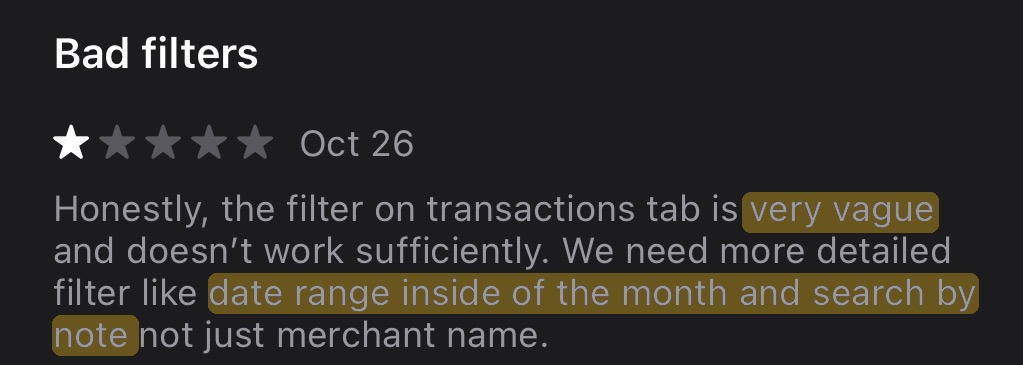 |
| 18Reddit threads | Pain points in UI/UX, wishing it felt intuitive to use. | 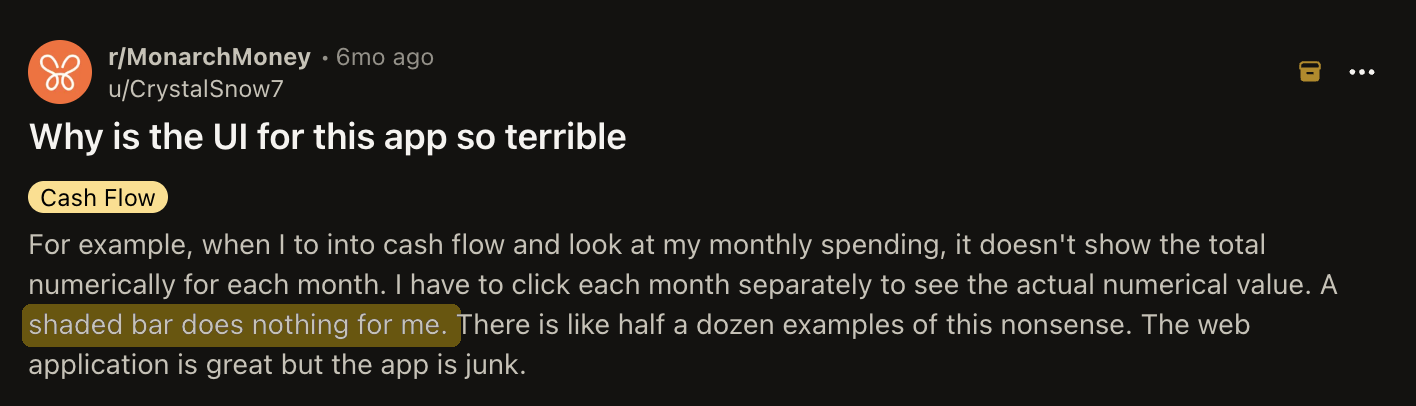 |
| 4Competitor home screens | Users neededs direction/CTA or else they face decision fatigue. | 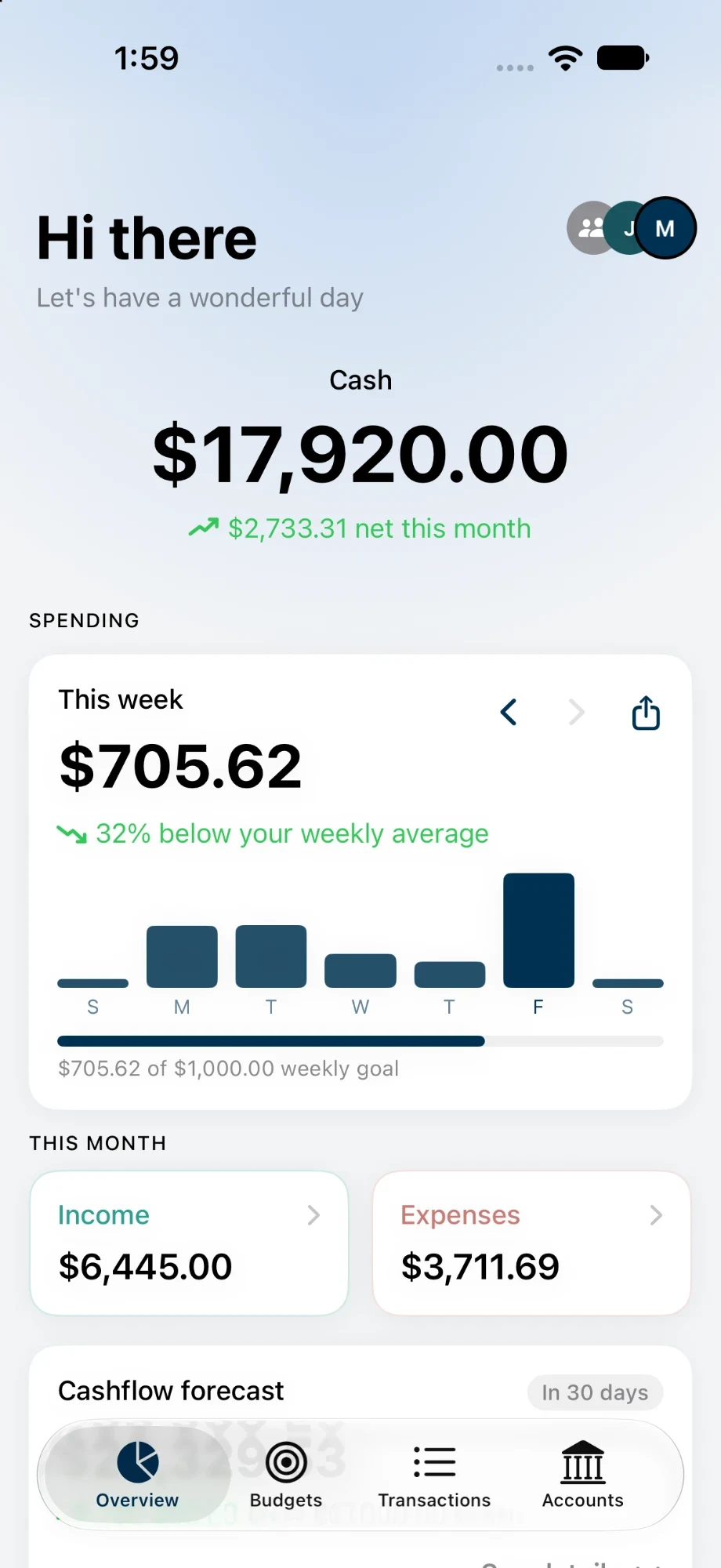 |
The competition
I dove deep into what my competitors were doing in order to understand how I could fill in the gaps.
 YNAB
YNAB
- Leading: priorities, “Ready to assign” and CTA button.
- Works: next step, tasks, + Transaction.
- Friction: empty $0.00 tiles, unfocused, no hierarchy.
- Takeaway: answer “how am I doing?” first, instead of a to-do list.
What I found
After gathering my resources, I felt successful (and a bit dwindled...).
BUT, I did end up finding three of the same complaints:
High cognitive friction from a dense overview of graphs, charts, and numbers.
Missing core features and key features needed for the user's financial transparency.
Structured layout on the Home screen with CTA buttons and visualizations.
Stumped...
I'd found the gaps, but the niche was crowded and I wasn't sure anyone would pay for my version.
My partner, friends, and family told me to pick a different project.
But, I didn't want to give up before I tried my absolute hardest (a mindset I stand by), so I kept going!
What pushed me further
Then, I looked through the interviews again. Describing how they felt (anxious, tired, unfulfilled, guilty), realized this was the signal I needed. It lacked feeling like the big platforms were building for the user anymore.
A throw-up of my ideas.
To explore my creativity, I used Crazy-8's and a post-it board to understand our UI direction.
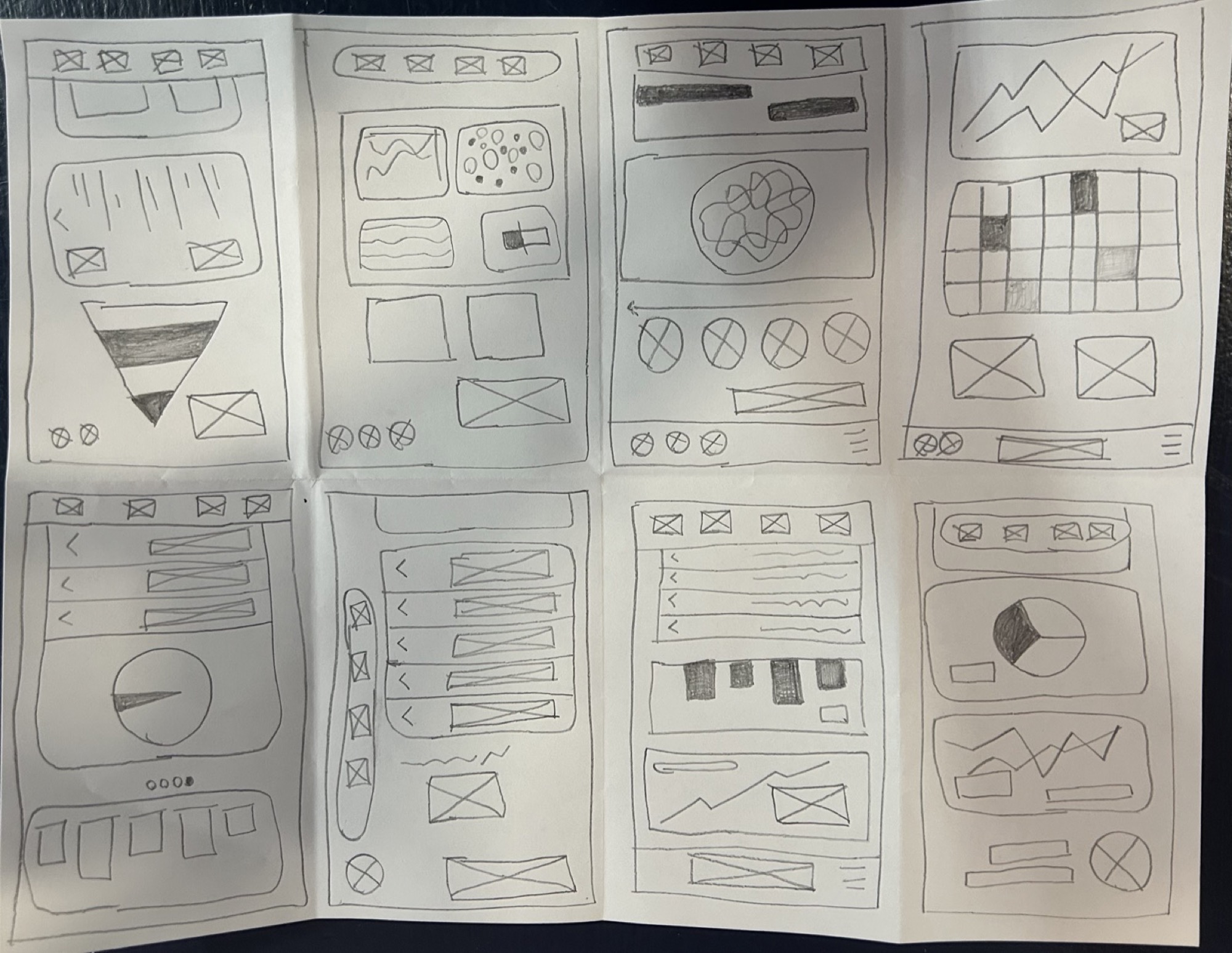
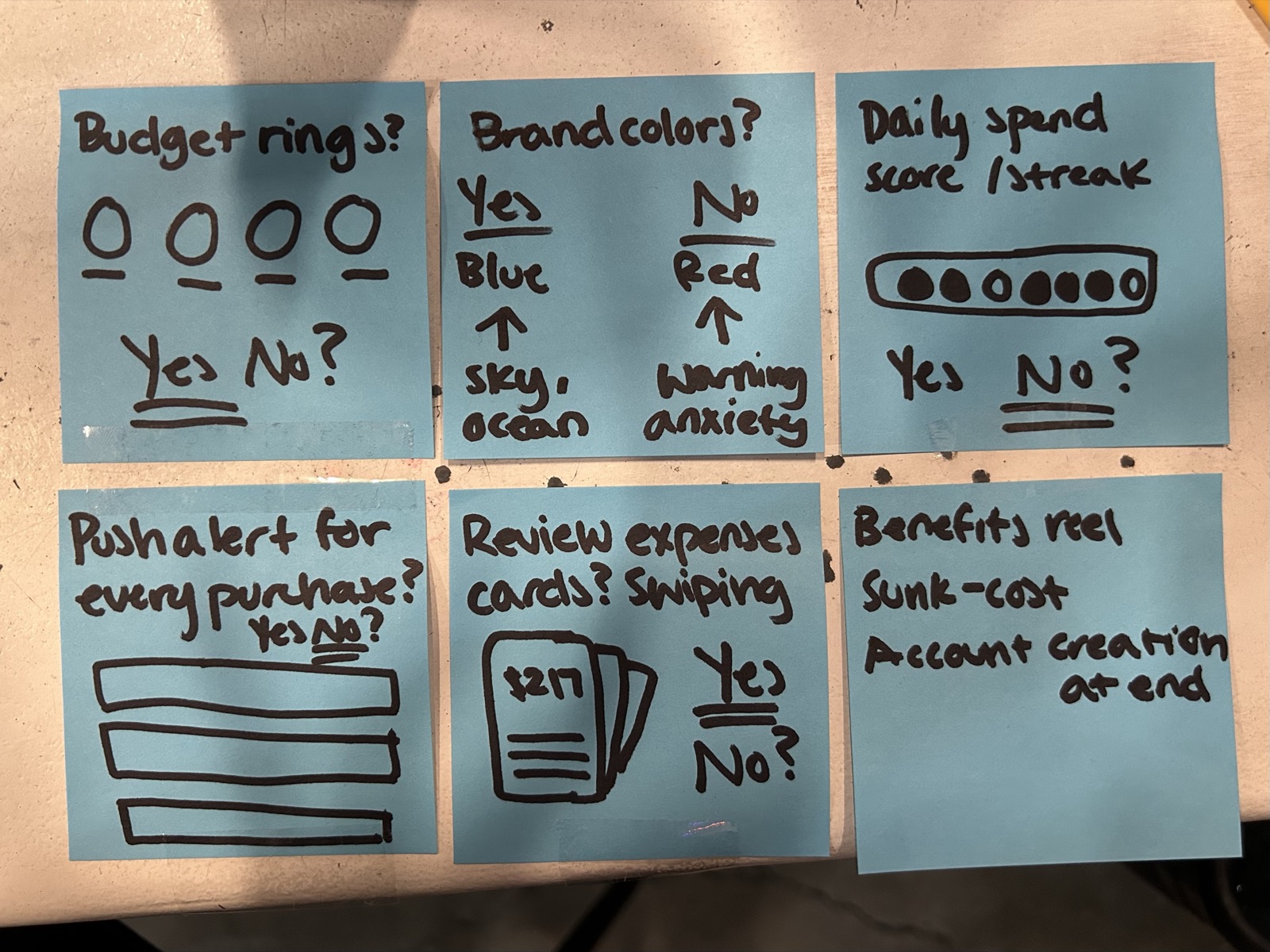
Wireframes
Diving deeper into my thinking process.
Lots of iterations, long nights, and Celsius to keep me awake. The fiery passion kept me going.
23 testers, and two requests I shipped
After recruitment for this phase, each tester ran the same four tasks while I wawtched live and asked them to think out loud.
- Task 01Find out how much you can still spend this week.
- Task 02Set up a monthly budget for groceries.
- Task 03Work out where last Saturday's charge came from.
- Task 04Add a loan and see when you'd be debt-free.
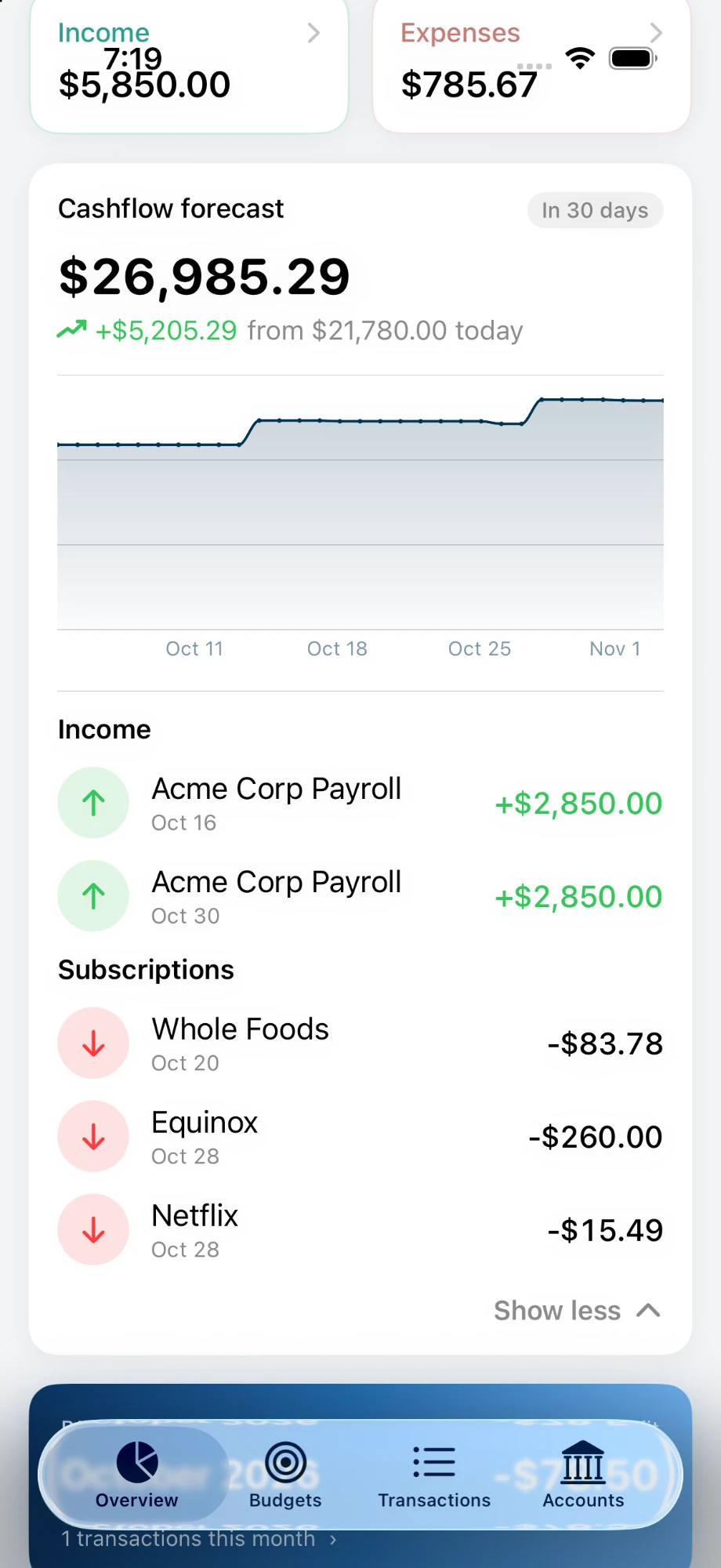
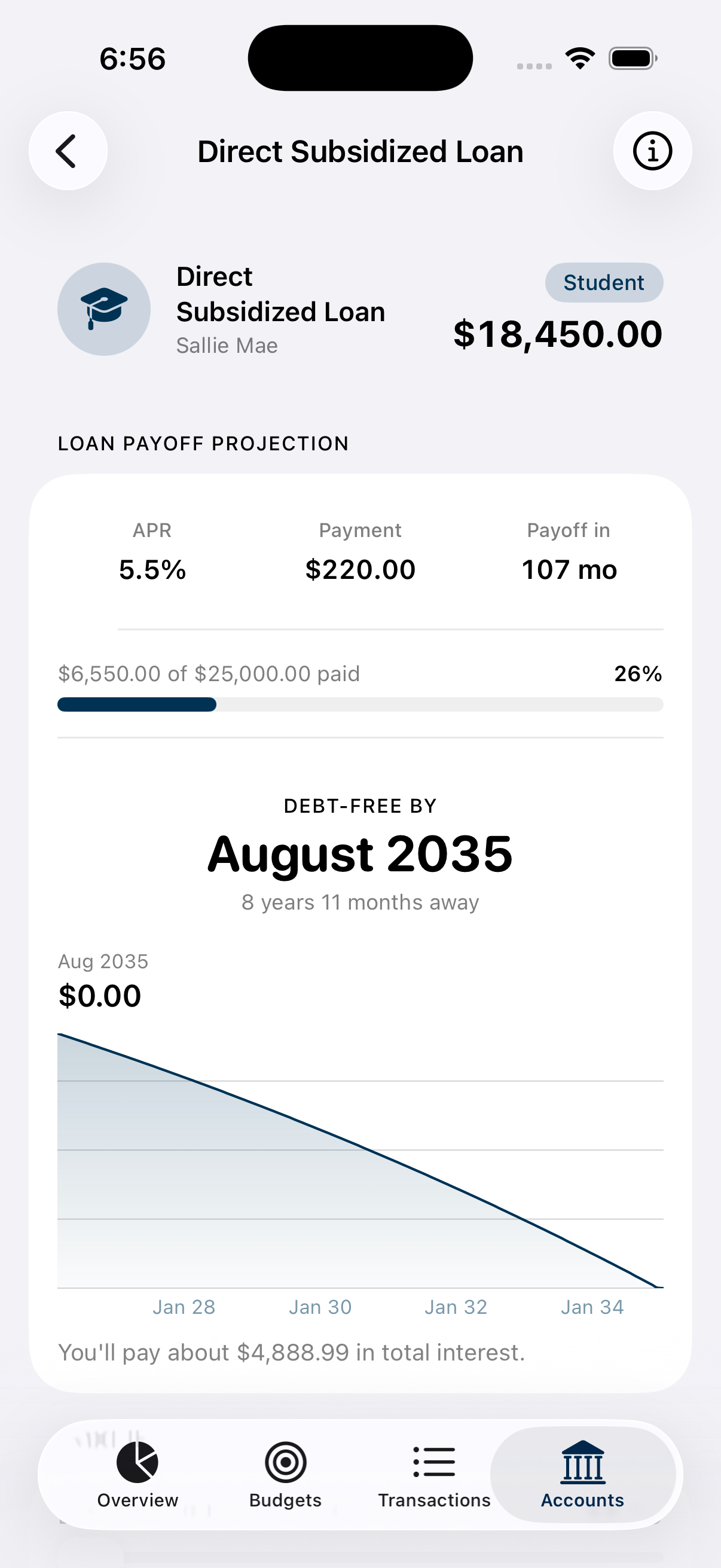
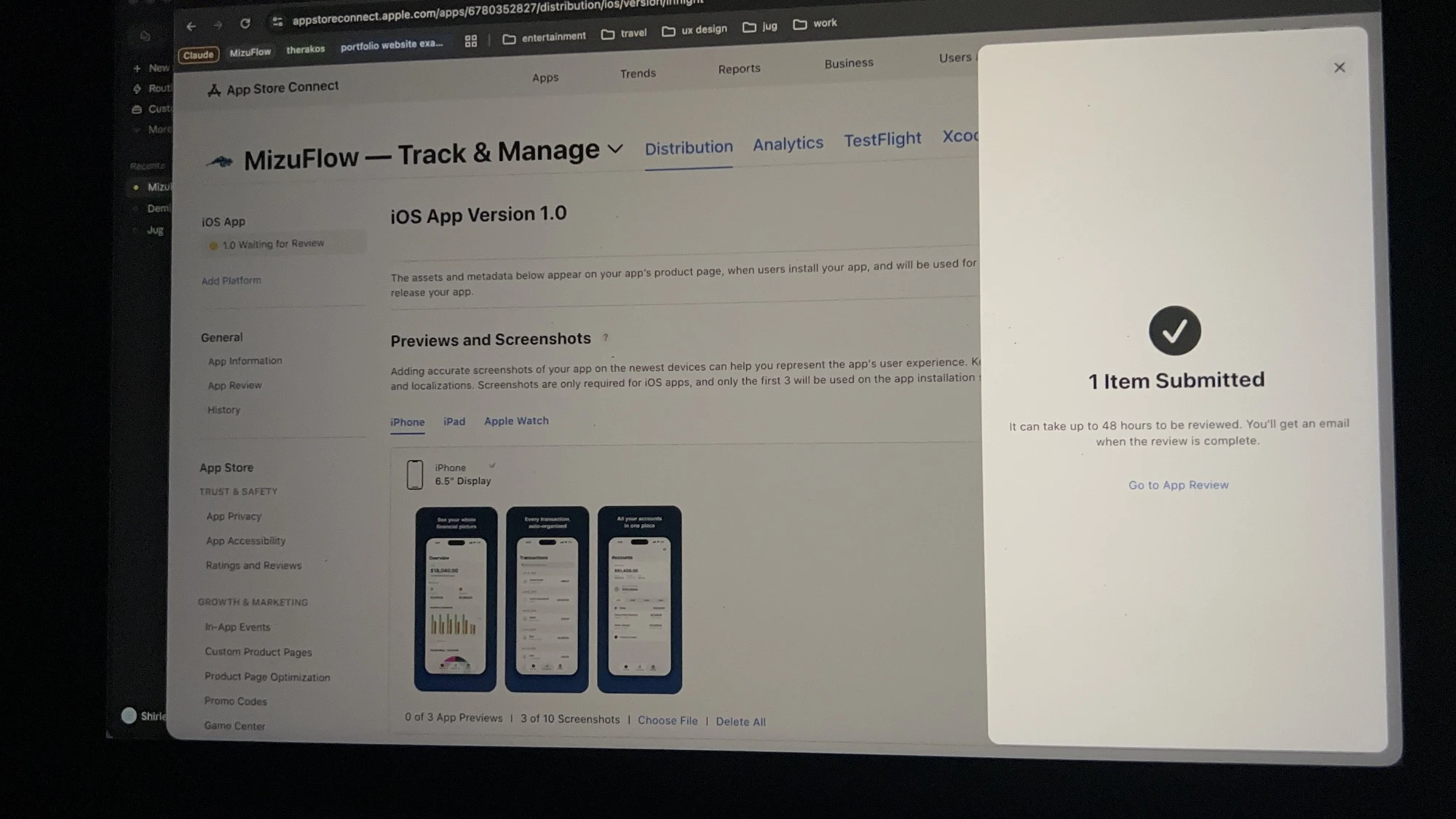
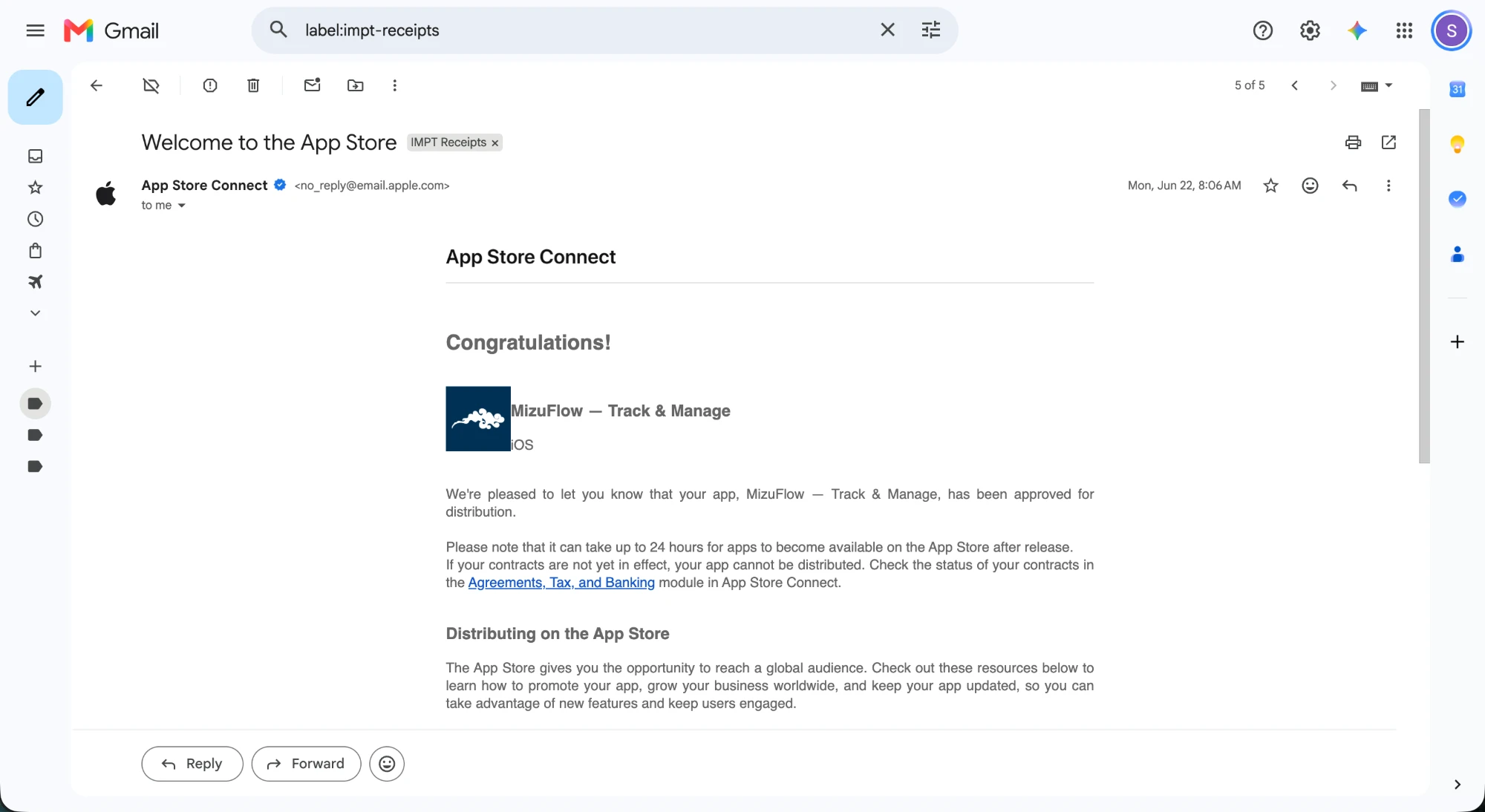
A proud moment
The two screens I anticipated!
Where AI helped, and where I stepped in.
I set a rule for myself before I used AI-assisted tools (Claude, Midjourney, Cursor).
They can help me ideate and prototype quickly, but I choose what sticks and what gets tossed.
Tap on a chip!
Before and after I took over
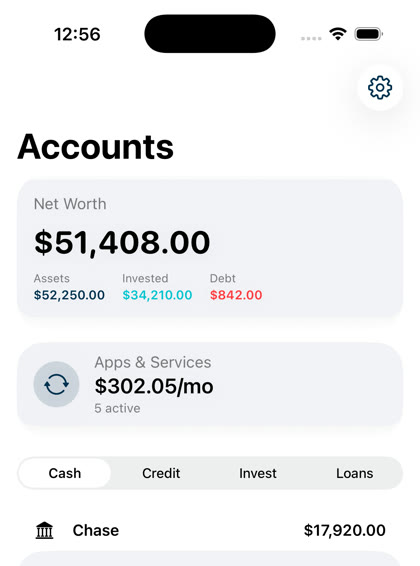
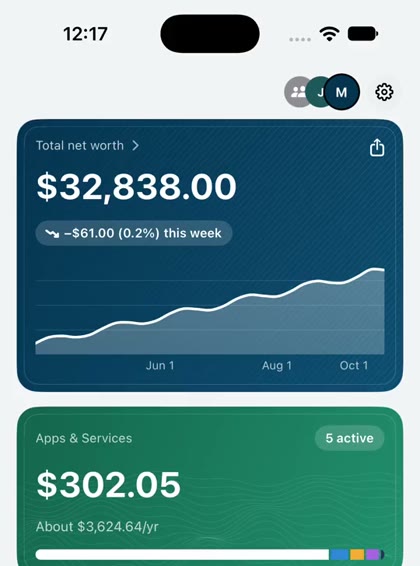
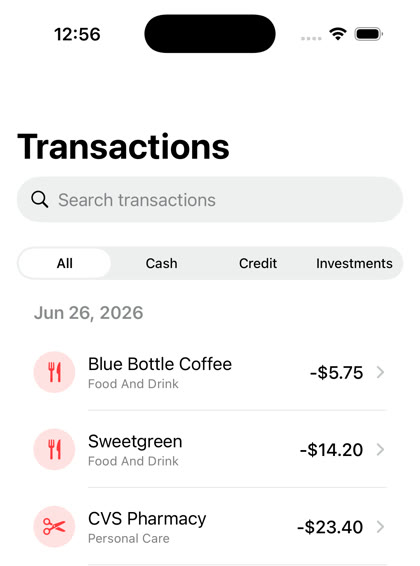
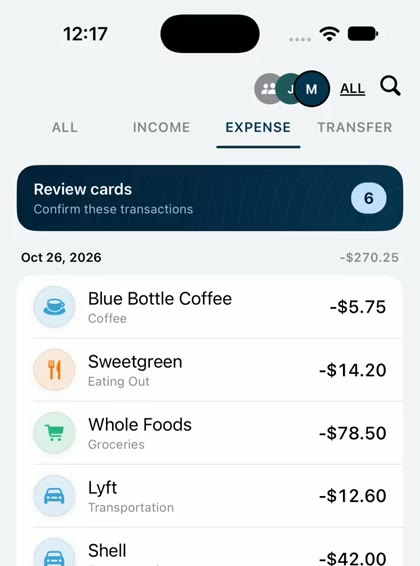
Prompting AI Properly
AI is fast at the first draft, creating a lot of slop. It helps me ideate, but I bring in that human experience users need in this era of tech.
My first platform shipped solo.
Wow, we're finally here. Blood, sweat, and tears went into the first platform I've shipped solo, and I'm so proud of it.
I learned to design in my audience's shoes, and my first paid user made me feel like a millionare (just not financially).
Building is 10% of the challenge
Understanding my audience through analytics to continue improving and iterating both my marketing efforts and features was a hard obstacle.
I wanted an organic crowd to prove this was a solution to some folks.
Alive and not static
Haptic feedbacks, notifications, and motion design, and many more.
Not only does UX focus on the user journey, but to make it feel alive and humane is just as important.
Just launch & keep on iterating
It's difficult to know if it's ready to ship, but it'll never be ready.
To continue iterating and improving is how the user can feel heard.
Since launch, I've shipped out 15 builds consisting of new features, designs, concepts.
More depth & accessibility.
The next stretch is less about new screens and more about depth.
- Android releaseSo the app isn't iOS-only.
- VoiceOver supportSo blind and low-vision users can navigate every screen.
- Dynamic TypeScaling numeric screens instead of locking them into one text size.
- Color-independent statusIcons and text alongside every color cue so that budget rings and urgent status are not the only immediate signal the user reads.